yoyoo is a free open-source high-fidelity UI/UX design tool: drag and drop components to create polished page designs, draw flowcharts and mind maps with smart-routing connectors, generate interfaces by chatting with AI, collaborate in real time and export images in one click.
WYSIWYG: drag prototypes together, connect structures, generate pages with AI, collaborate in real time.
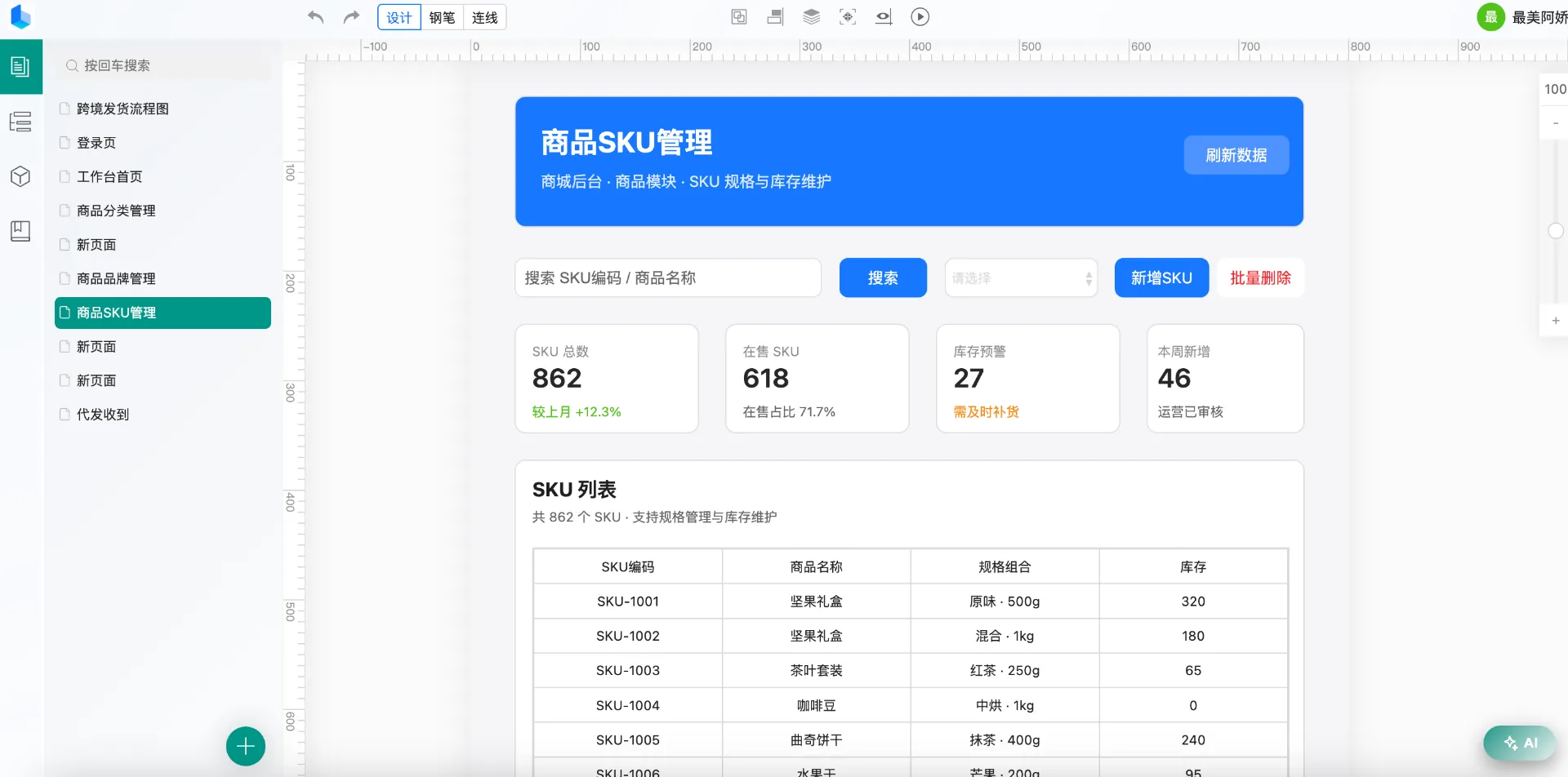
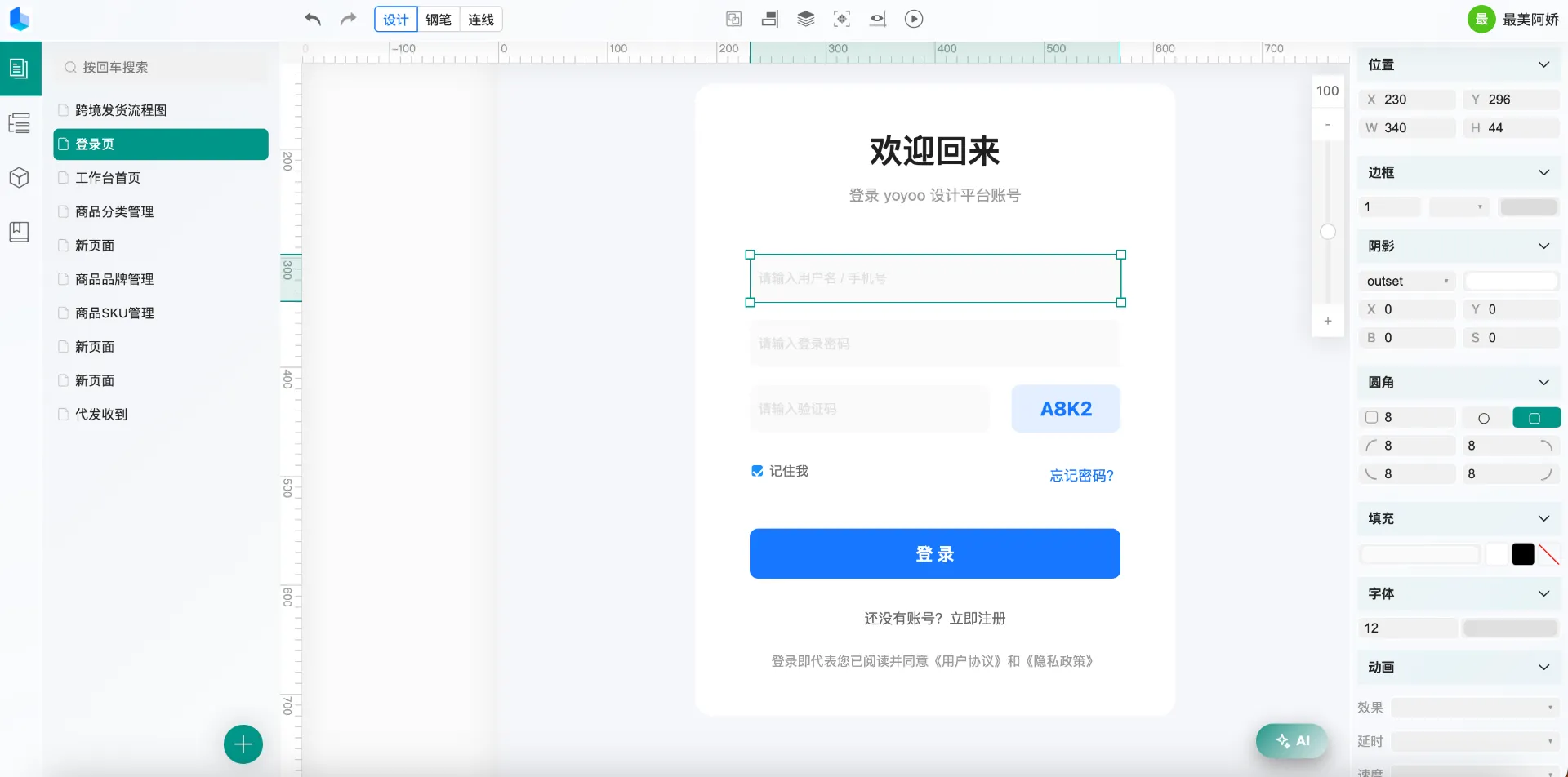
Text, buttons, forms, charts, tables, images, icons — 30+ built-in components ready to drop in; position, size, background, border, radius, shadow and animation configured visually item by item, with double-click in-place editing. Multi-page designs with independent sizes and backgrounds, alignment guides, snapping, and rubber-band multi-select — you draw interactive design specs, not wireframe sketches.
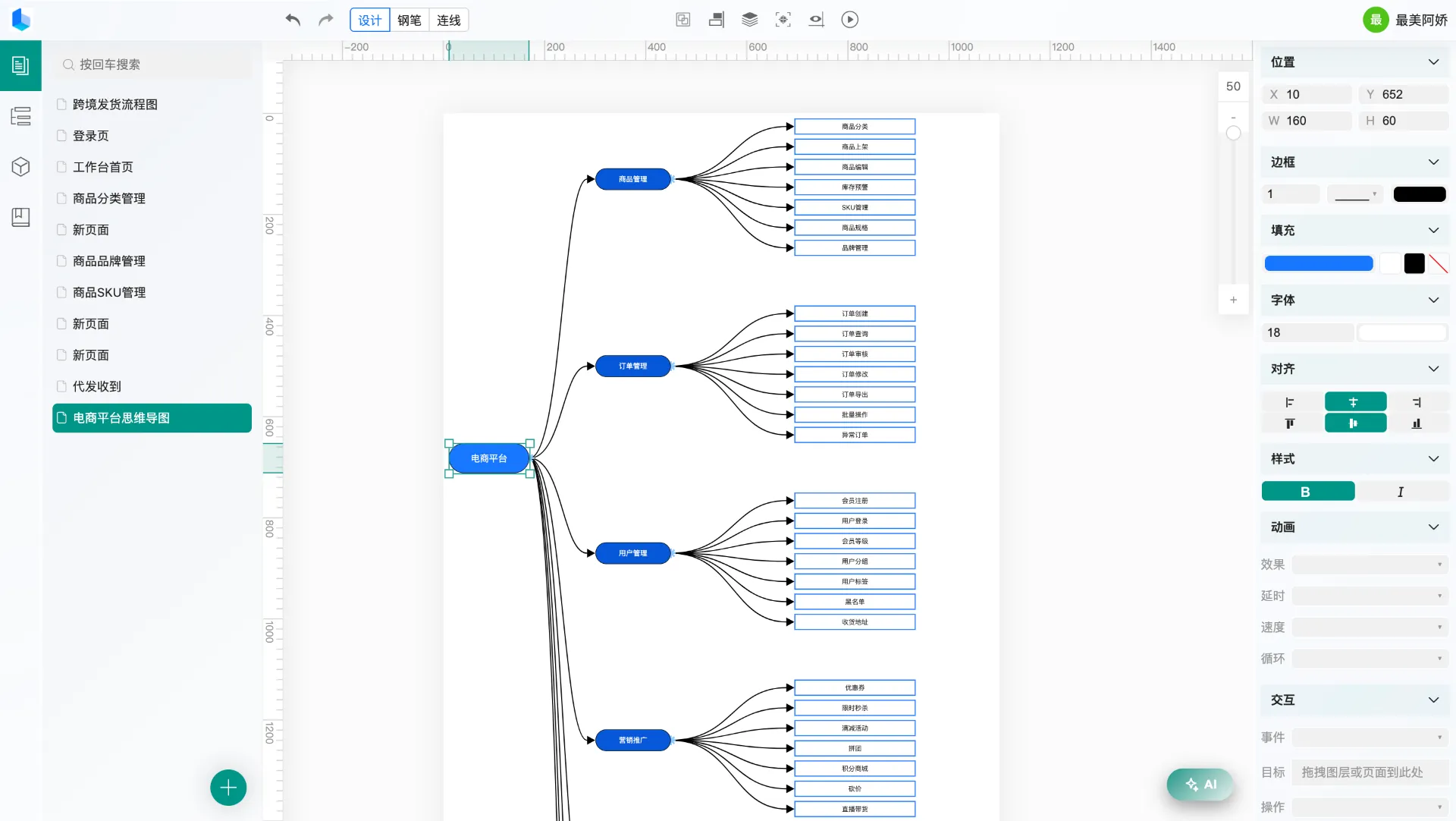
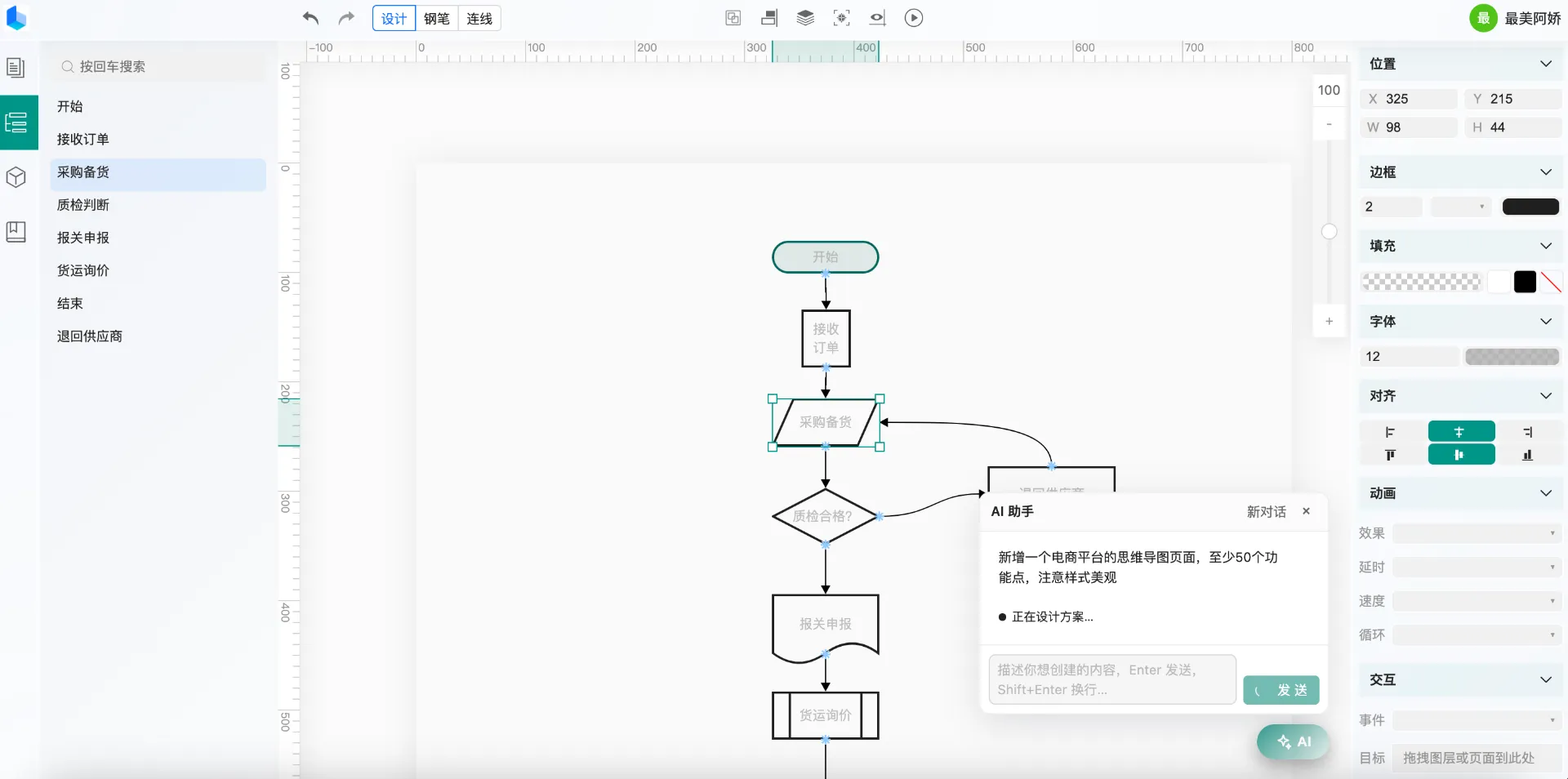
13 flowchart shapes built in: decision diamonds, start/end capsules, input/output parallelograms, database cylinders, person nodes… double-click to label. Two line types — bezier curves and orthogonal polylines — and the orthogonal style automatically routes around every component on the canvas, so arrows never cross content; connectors follow components live as they move and resize. Flowcharts, architecture diagrams and mind maps are just two actions: drop nodes and connect.
Once logged in, describe your needs in the AI assistant — “make a login page”, “add a bar chart of the last six months of sales” — and it creates pages, adds components and edits properties. The result lands on the canvas ready for further editing. Page data is plain JSON (component tree + properties + connectors), so any AI tool can generate a page from the data-structure doc and import it too.
Log in, create a project and invite members with owner / editor / read-only roles — everyone edits the same canvas simultaneously with field-level incremental merging so nothing is overwritten. No account? The guest mode drops you straight into the editor with fully working local data, and after logging in your local pages migrate into a collaboration project in one click. The collaboration server is open-source and self-hostable — your data stays on your own servers.
From idea to delivery — the right tool for every role
Produce high-fidelity prototypes and flowcharts fast, discuss interaction and information architecture with the team, and drop exported images straight into documents and reviews.
Assemble page skeletons visually, express module dependencies with connectors, configure charts and tables directly with data — a design spec that doubles as a structure diagram.
Draw architecture diagrams, mind maps and dashboard prototypes with zero install and zero cost; document illustrations without switching between multiple tools.
No install, no signup required. Data is stored locally in your browser — come back anytime.