Features

Drag, drop, generate — a complete toolkit for prototypes, diagrams and collaboration

Editor Experience

A canvas editing experience built to professional design-tool standards

🖱️

Drag / Resize / Rotate

Drop components onto the canvas, resize freely with edge and corner handles, rotate with the outer arc handle. Movement is quantized to 1px for full precision.

📐

Alignment & Guides

Automatic snap-to-guide while dragging, with alignment hints and spacing labels against neighboring components — zero mental math for layout alignment.

🔲

Rubber-Band Multi-Select

Intersect / contain selection modes with live highlighting of matched components; release to select and move, copy or delete everything at once.

Shortcuts & Undo

Copy/paste, delete, group, align and z-order all have shortcuts; multi-level undo / redo history.

🧱

Grouping

Package multiple components into a group that moves and resizes as one; rendering is identical before and after grouping, and it can be ungrouped anytime.

🎨

Light / Dark Themes

Light, dark and follow-system themes with one-click switching — the whole editor and all panels re-theme instantly.
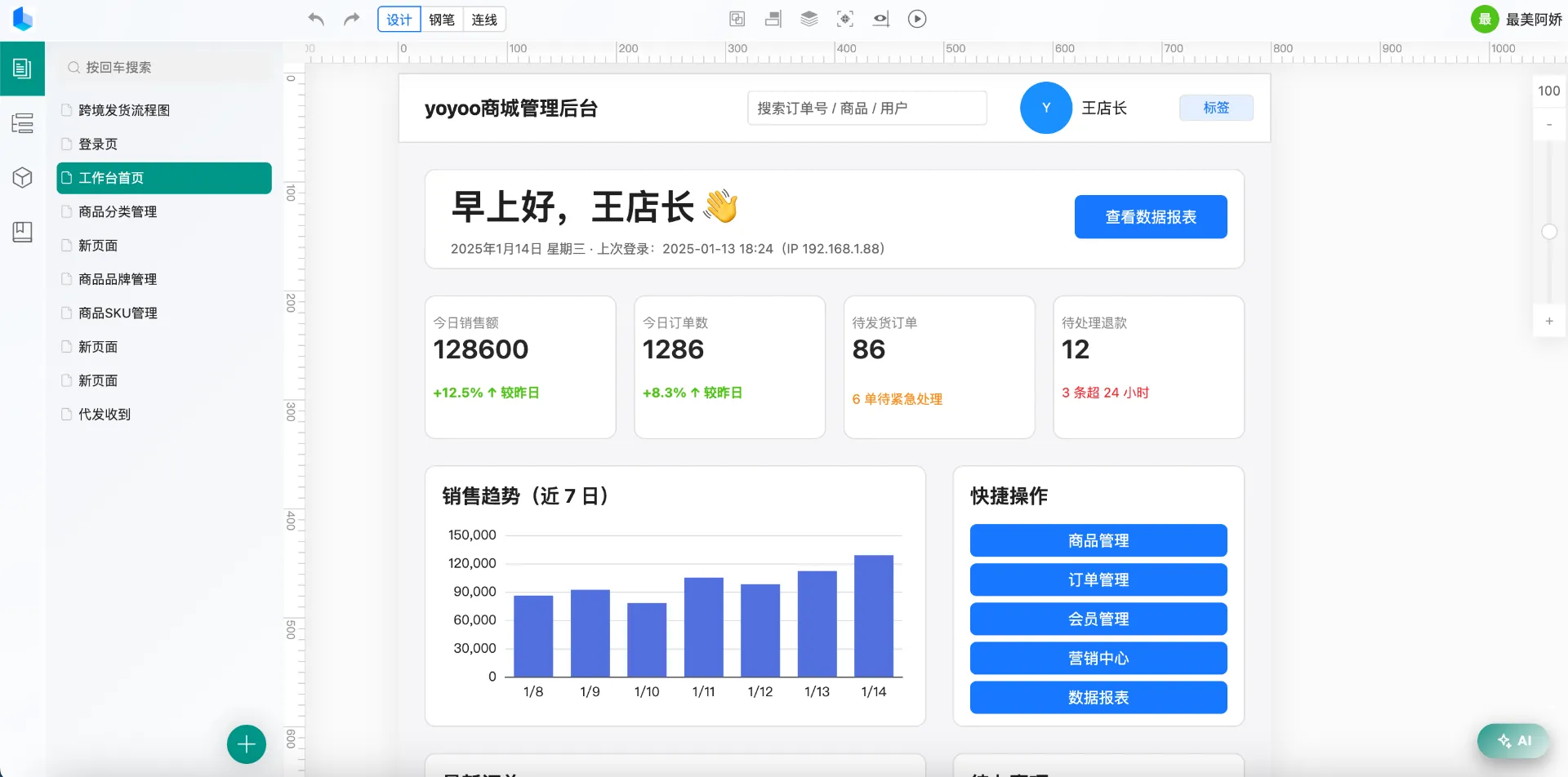
yoyoo editor canvas with dragged components and the properties panel

Components

30+ built-in components covering text, forms, shapes and data display

📝

Text & Buttons

Double-click to edit content; font size, color, bold, italic, underline, line-height and letter-spacing adjustable, with auto-height wrapping.

⌨️

Form Components

Single-line / multi-line inputs, dropdowns, radio and checkbox — configure options on the fly and mark a default selection in one click.

📊

Data Charts

Bar / line / area / pie / radar charts with mixed series and a data table you fill in directly.

🔷

Flowchart Shapes

13 flow nodes: decision diamond, start/end capsule, input/output parallelogram, hexagon, database cylinder, document, person and more, double-click to label.

🖼️

Images & Icons

Three fill modes for images — cover / fit / stretch — plus a built-in iconfont library ready to drag in.

📋

Tables

Two-dimensional data entered directly; row height and column width ratios, cell merging, per-cell colors and styles.

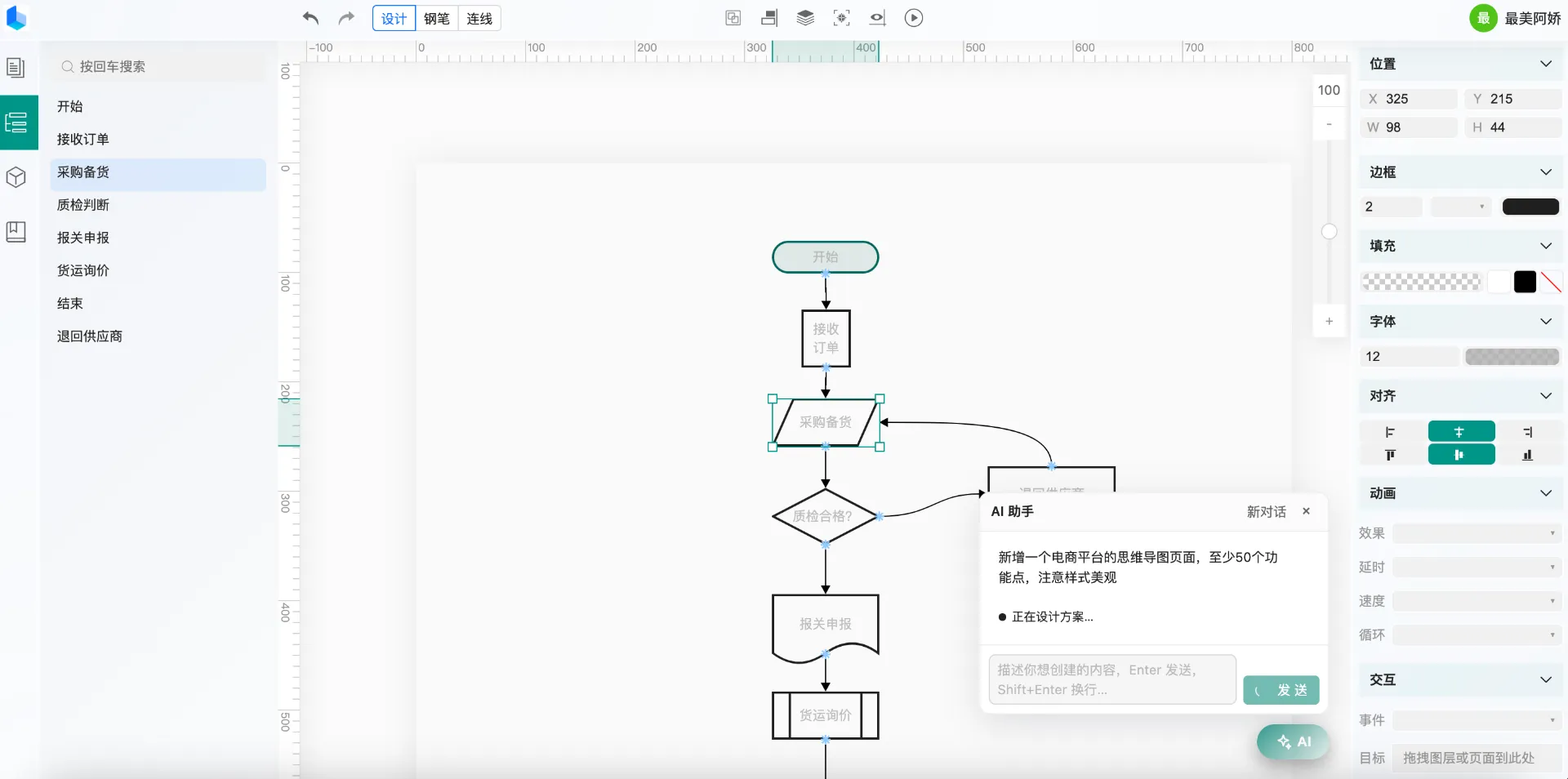
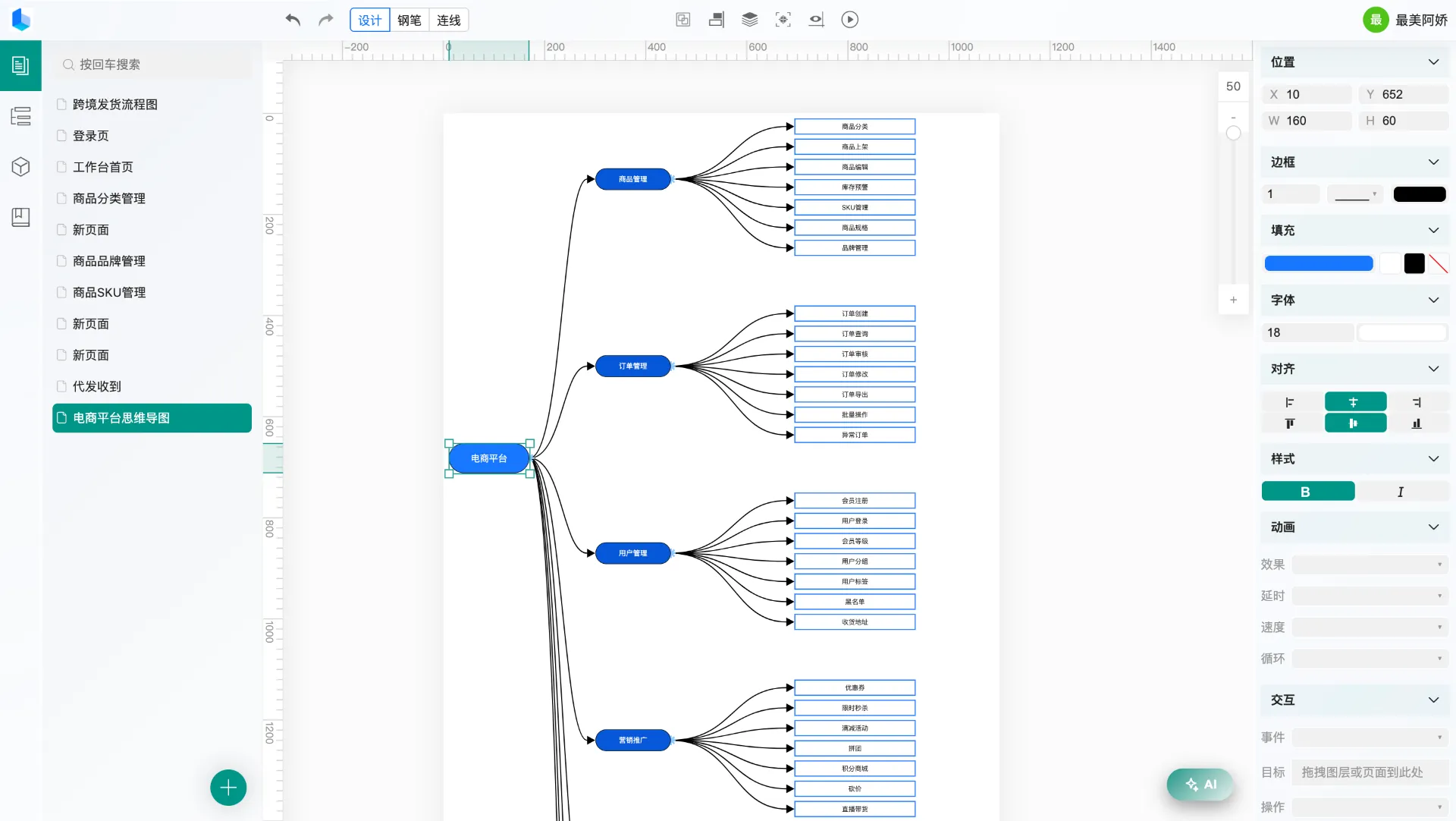
Connectors — Flowcharts / Architecture / Mind Maps

Drag from edge anchors to connect; lines follow component moves and resizes

🔗

Two Line Types

Bezier curves and orthogonal polylines, switchable in one click; orthogonal lines auto-route around every component on the canvas, so arrows never cross content.

🧲

Anchor Snapping

Drag a dashed line from an anchor and hover a target anchor to highlight and snap; tap a connected anchor to disconnect all its lines.

🔄

Zero Sync Overhead

Lines follow components in real time as they move, resize, and as the canvas zooms and scrolls; many-to-many connections with no manual syncing.

🎯

Configurable Styles

9 color presets and 1-5px widths, saved with the project; click a line to select and press Delete for precise removal.

yoyoo mind map and flowchart with auto-routing connectors

AI Generation

Conversation-driven page creation — take over the results on the canvas anytime

💬

AI Assistant

Describe your needs in natural language after logging in: create pages, add components, edit properties, remove elements — the assistant operates the canvas directly.

🧩

Editable After Generation

AI output is standard page data that lands on the canvas exactly like manual work — drag, tweak properties, connect, take over at any point.

📦

Open JSON Data Format

Pages are pure JSON (component tree + properties + connectors) with a full data-structure doc, so any external AI tool can generate pages and import them.

yoyoo AI assistant generating a page from a chat prompt

Real-Time Collaboration

Same-canvas editing with clear roles and full data control

👥

Members & Roles

Invite members to projects with owner / editor / read-only roles; read-only members can view but not modify, and permissions are enforced server-side.

Real-Time Sync

Only changed properties are synced while teammates edit the same canvas, so nothing is overwritten; non-current pages update silently.

🔓

Seamless Guest Upgrade

Use the editor without signing up — local data works fully; after logging in, import your local pages into a collaboration project with one click.

🖥️

Self-Hosted Option

The collaboration server (HTTP + WebSocket) is open-source and self-hostable — your project data lives on your own servers.

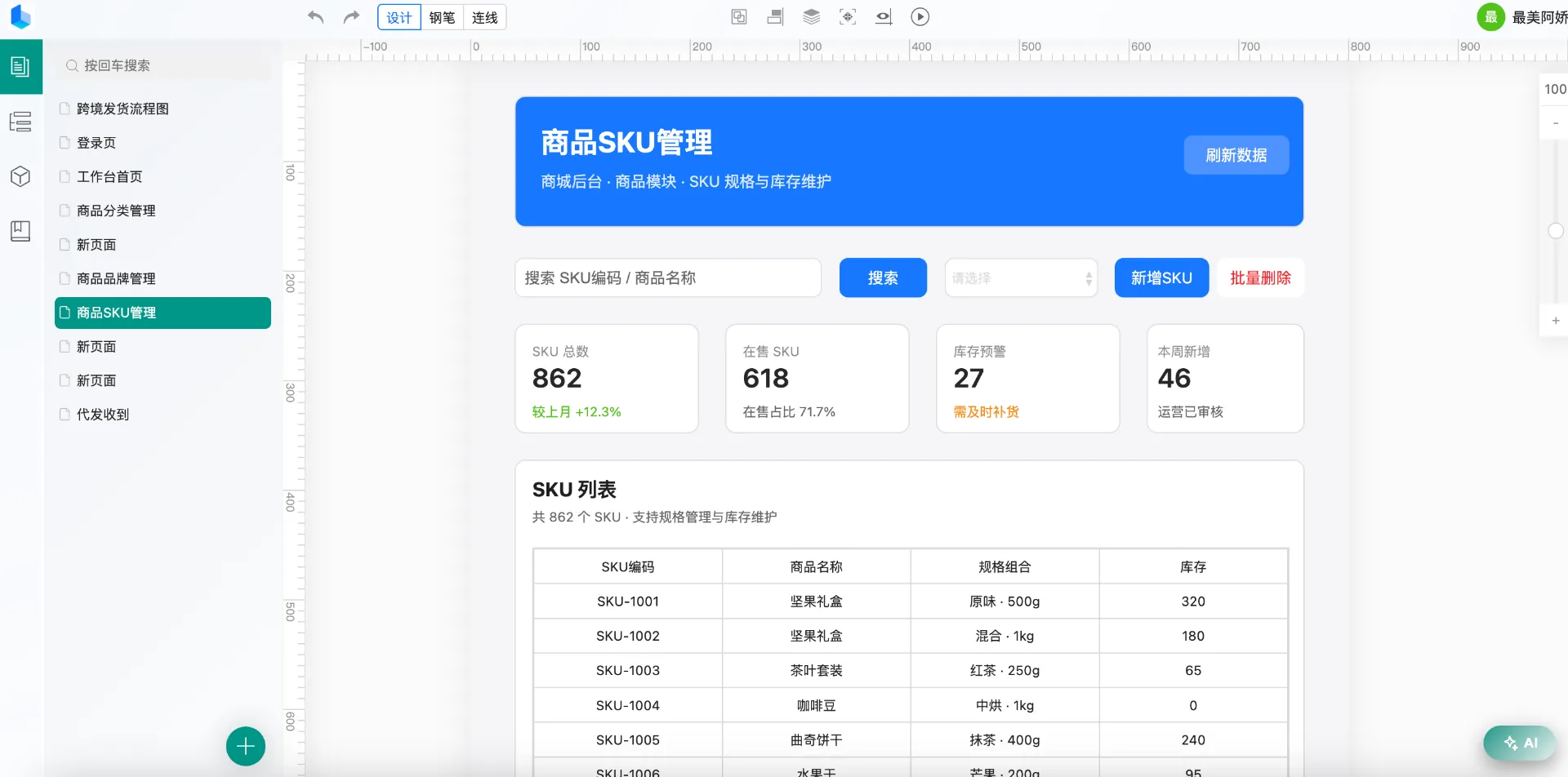
yoyoo project workspace with multi-page management

Output & Data

Your design output and your data stay in your hands

🖼️

Image Export

Export the current page or the whole project as PNG / JPEG, or download a ZIP; connectors, charts, radius and shadows fully preserved at 2x resolution on every screen.

💾

Local Persistence

Page data is saved automatically in your browser and survives refreshes; structured JSON can be exported, migrated, or handed to AI.

📑

Multi-Page Management

Multiple pages per project with independent sizes and backgrounds; switch, duplicate and delete from the page list — data never interferes.

Templates & Asset Library

Turn components into templates and unify images — reuse across projects without repeating work

🗂️

Component Templates

Select components on the canvas (rubber-band works), right-click and save as a template with an auto-generated preview; drag it out as a copy anytime, stored in the cloud and synced after login.

🧩

Master Templates

Project-shared masters: save a component as a master and drag the same instance onto any page — edit the master once, save, and every reference updates; add multiple states for Tabs / carousel-style dynamic effects.

🖼️

Media Library

Uploaded images are auto-compressed (>20KB, visually lossless), stored in the cloud with quota management; instant thumbnails with strong browser caching, drag in anytime, delete to reclaim space.

Try the Editor →